
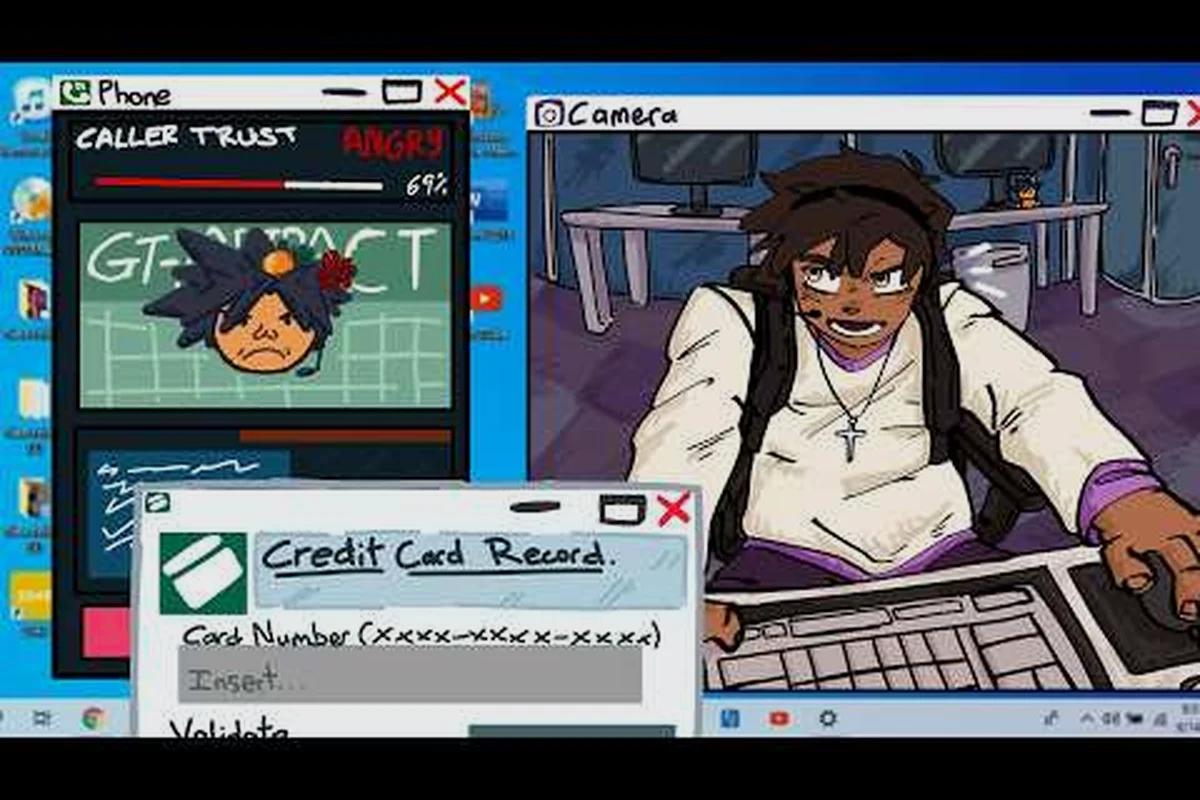
Removing a mod sounds simple until a stale caller file keeps hijacking your daily rotation. Knowing Scam With Your Friends how to uninstall mods cleanly saves you from corrupted saves, ghost voice lines, and Workshop collections that refuse to let go. This walkthrough covers the full removal pipeline, from unsubscribing to verifying a spotless mod folder.
Removing Mods Without Breaking Your Save
Mods in this game are not passive cosmetic add-ons. Community callers inject new dialogue trees, custom scam scripts, and even replacement voice banks that the game loads at runtime. When you unsubscribe from a Workshop item but leave its files behind, the engine can still detect the orphaned assets and attempt to load them. The result is usually one of three failures: a crash on the caller-selection screen, silent fallback to default callers, or scrambled audio where two voice lines play over each other.
The most common complaint reported by players is that a removed meme mod still shows up in the daily caller pool. That happens because the game caches the caller manifest locally, and unsubscribing only removes the Workshop reference, not the cached entry. A clean uninstall means clearing both.
Here is what a proper removal protects you from: leaving stale files in your Mods folder after unsubscribing keeps those assets registered in the local caller manifest, so the game can still pull a deleted meme mod into the daily caller pool even though the Workshop subscription is gone. A clean uninstall clears the cached manifest alongside the files, which prevents orphaned entries from resurfacing during caller selection.
-
Orphaned caller manifests that keep deleted mods in the active rotation
-
Save-file bloat from unreferenced custom scam scripts
-
Audio conflicts when two mods overwrite the same voice bank
-
Load-order corruption after swapping large Workshop collections
-
Version mismatches when a mod updates but your local cache does not
If you have not yet set up your mod environment properly, the Steam Workshop modding guide explains how subscriptions, JSON mods, and load order interact before you start removing anything. That groundwork matters because the uninstall order is not arbitrary: unsubscribing from a Workshop item first, then deleting its folder from Mods, then clearing the cached caller manifest, prevents the engine from re-registering a half-removed mod on the next launch. Players who delete local files while the Workshop subscription is still active often find the mod silently re-downloaded, which is why the guide treats subscription state as the first variable to check.
How the Game Loads Mods
The engine reads mods in two stages. First it scans the Workshop subscription list, then it reads a local manifest that maps each subscribed item to its caller or scam asset. Uninstalling only touches stage one. Stage two is where leftovers live, which is why a clean removal always ends with a manual folder check.
| Removal Stage | What It Clears | What It Misses |
|---|---|---|
| Unsubscribe in Steam | Workshop reference | Local cached manifest |
| Delete mod folder | Asset files | Save-file references |
| Clear caller cache | Active rotation entry | Voice bank overrides |
| Verify manifest | Load-order list | Nothing — this is the final step |
Signs You Have Leftover Mod Files
These symptoms rarely mean the mod itself is still installed. In Scam With Your Friends, unsubscribing from a Workshop caller only removes the download flag — the local .pak file stays cached in your mods folder, and the game keeps reading it on launch. That is why a deleted caller can still appear in the daily rotation or take longer to reach the caller screen: the engine is loading orphaned assets before the vanilla ones. Each symptom below maps to one specific leftover location, so you can delete the right file instead of nuking your entire Workshop collection and losing your saved caller lineup.
-
A deleted caller still appears in the daily rotation
-
The game takes noticeably longer to reach the caller screen
-
Console or log files list a mod you already unsubscribed from
-
Voice lines cut off mid-sentence during a scam attempt
-
The Workshop page shows "subscribed" even after you clicked unsubscribe
Step-by-Step: How to Uninstall Mods Without Leftovers
The clean removal process has four phases — disable in the Workshop, unsubscribe the item, delete the local files, then clear the cache — and skipping any one of them is exactly how leftovers survive. Take a Scam With Your Friends meme mod like a custom caller voice pack: unsubscribing alone leaves the cached .bnk audio and the entry in mods.json, so the game keeps loading a half-dead manifest and your friends still hear the old caller. Work through the phases in order, because clearing the cache before deleting the files just makes the game rebuild the same broken manifest from the still-subscribed Workshop collection.
Phase 1 — Unsubscribe and Close the Game
Fully exit the game before touching anything. Steam keeps a lock on Workshop files while the process is running, and unsubscribing mid-session can leave a half-written manifest. Once the game is closed, unsubscribe from each item on its Workshop page. Give Steam a few seconds to register the change before moving on.
Phase 2 — Locate and Delete the Mod Folder
Open your Steam library, right-click the game, and choose Manage, then Browse Local Files. From there, navigate into the mods or Workshop content directory. Delete the folders for the mods you removed, but leave the parent directory intact so the game can rebuild it on next launch. The Workshop troubleshooting reference covers the exact folder paths if you cannot find them.
Phase 3 — Clear the Caller Cache
This is the step most players skip. The cached caller manifest lives in your local app data, not the game install folder. Delete the cache file, and the game regenerates a fresh manifest from your remaining subscriptions on next launch. If you run a large collection, back up the cache first so you can compare before and after.
Phase 4 — Verify the Removal
Launch the game and check the caller screen. Every removed mod should be gone from the rotation. If something still appears, the cache did not clear properly, so repeat Phase 3 and confirm the file actually deleted rather than being locked by a background process.
| Phase | Action | Risk If Skipped |
|---|---|---|
| 1 | Unsubscribe + close game | Half-written manifest |
| 2 | Delete mod folders | Orphaned asset files |
| 3 | Clear caller cache | Deleted mods stay active |
| 4 | Verify in-game | Silent failures go unnoticed |
Untangling Scam With Your Friends Workshop Collections
Workshop collections are the biggest source of messy removals because a single collection can bundle dozens of callers, scam scripts, and voice packs. Unsubscribing from the collection page removes the bundle reference, but individual items inside it often stay subscribed. That is why players who "deleted a whole collection" still see half its callers in their rotation.
The fix is to open the collection, expand the item list, and unsubscribe from each entry individually before removing the collection itself. It takes longer, but it is the only way to guarantee nothing survives. In practice, a typical Scam With Your Friends workshop collection bundles 15 to 40 items — callers, scam scripts, voice packs, and meme mods — and Steam's "Unsubscribe from All" button on the collection page only clears the bundle reference, not the per-item subscriptions underneath it. That gap is exactly why a player can delete a collection, relaunch, and still hear three of its callers firing during a run. Work through the list top to bottom, confirm each entry flips to "Unsubscribed" before moving on, then remove the collection. Skipping a single item leaves a live subscription that Steam re-syncs on your next launch, quietly pulling that caller back into your rotation.
Collection Cleanup Checklist
- Open the collection page and expand every item
- Unsubscribe from each item individually
- Remove the collection subscription last
- Close and relaunch the game
- Clear the caller cache
- Confirm the rotation is clean
Managing Overlapping Collections
Many popular collections share the same base callers, so subscribing to two of them creates duplicate entries. When you remove one collection, the shared callers can vanish from the other because both pointed at the same asset. Before removing anything, note which callers appear in more than one collection so you can re-subscribe the ones you want to keep.
| Collection Type | Overlap Risk | Removal Difficulty |
|---|---|---|
| Single-caller packs | Low | Easy |
| Voice-bank bundles | Medium | Moderate |
| Full scam overhauls | High | Hard |
| Mixed meme collections | High | Hard |
Swapping Meme Mods for Fresh Funny Mods
Half the fun of modding this game is rotating your caller lineup, and the cleanest way to do that is a full swap rather than a partial edit. Remove your current meme mods completely using the four-phase process, then install the new set on a fresh manifest. This avoids the load-order conflicts that happen when old and new callers fight over the same voice bank.
In practice, swapping in batches of five to ten callers keeps the rotation stable and makes it easier to spot a broken mod. If a new caller fails to load, you only have a handful of suspects instead of a full collection.
Picking Your Next Set of Callers
When you are ready to rebuild, look for callers that fill gaps in your current lineup rather than duplicating what you already have. A balanced rotation usually mixes a few high-trust callers, some chaotic meme picks, and one or two that change how a scam plays out. The caller roster breakdown walks through the main caller types so you can choose deliberately.
-
High-trust callers for reliable early-game income
-
Chaotic meme picks for variety in daily rotations
-
Script-changing callers that alter how a scam resolves
-
Voice-pack callers for a fresh audio feel
Testing a New Caller Batch
After installing a new batch, run one or two short sessions before committing to a full playthrough. Watch for missing voice lines, callers that never appear in the rotation, or scams that resolve differently than expected. Any of those signals a load-order problem, and it is far easier to fix with a small batch than a full collection.
Common Uninstall Problems and Fixes
Even a careful removal can hit snags, and most of them trace back to a locked file or a stale cache. The two failure modes behave differently: a stale cache leaves the mod's metadata behind, so the caller still appears in your rotation until you delete the cache folder and relaunch, while a locked file blocks deletion entirely because the game or Steam client is still holding a handle on the .pak. Before you start deleting, close both the game and Steam completely — not just minimize them — since a background process is the single most common reason a Workshop folder refuses to delete.
| Problem | Likely Cause | Fix |
|---|---|---|
| Mod still appears in rotation | Caller cache not cleared | Delete cache, relaunch |
| Game crashes on caller screen | Orphaned manifest entry | Verify and rebuild manifest |
| Steam shows still subscribed | Sync delay | Restart Steam client |
| Voice lines overlap | Duplicate voice bank | Remove one of the two mods |
| Folder will not delete | File locked by process | Close game and Steam fully |
When a Full Reset Is Faster
If your mod folder has been edited repeatedly over months, a full reset is sometimes quicker than untangling every leftover. Back up your saves, delete the entire mod directory, clear the cache, and let the game rebuild from your current subscription list. You lose your local mod history, but you gain a guaranteed clean state.
Keeping Future Removals Clean
The easiest way to avoid messy removals is to install mods in small, labeled batches and note what each one changes. When you later remove a batch, you know exactly which files and cache entries to target. Players who track their mods this way report far fewer leftover problems than those who subscribe to everything at once.
Frequently Asked Questions
Does unsubscribing remove a mod completely?
No. Unsubscribing only removes the Workshop reference, while the local caller manifest and cached assets stay behind. You must also delete the mod folder and clear the caller cache, then relaunch the game so it rebuilds a clean manifest from your remaining subscriptions.
Why does a deleted mod still show up in my rotation?
The cached caller manifest still lists it. The game reads that cache at launch, so a removed mod stays active until you delete the cache file and let the game regenerate it. This is the single most common leftover problem reported by players.
Can I remove one mod from a Workshop collection?
Yes, but you must unsubscribe from that item individually on its own Workshop page. Removing the collection subscription alone leaves the individual items subscribed, which is why half a collection often survives a removal. This is the single most common cause of a bloated mod list after a collection cleanup: the collection entry disappears from your subscribed list, but every caller, meme mod, and funny mod inside it stays subscribed and still loads at launch. Open each item's Workshop page and click Unsubscribe there, or use the "Unsubscribe from all" option on the collection page if you want the whole set gone in one pass.
Will uninstalling mods break my save file?
Usually not, but saves that reference a removed custom scam script can fail to load that specific scenario. Back up your save before a large removal, and re-subscribe the mod if a save depends on it. The reason is that Scam With Your Friends stores a caller manifest inside the save itself, so any save slot that recorded a meme mod or funny mod caller will throw a missing-asset error once that folder is gone from your mod directory. In practice, a save made with ten active callers can survive removing five, but deleting the one caller the save's rotation depends on will break that slot on load. If you plan to swap in new mods later, keep the old folder zipped rather than deleting it outright, so you can restore the manifest without re-downloading from the Workshop.
How many mods should I swap at once?
In practice, batches of five to ten callers, since the caller manifest rebuilds cleanly at that size. Small batches keep the rotation stable and make it easy to identify a broken mod: if a meme mod or funny mod fails to load, you only have five to ten folders to check in your mod directory. Large swaps make load-order conflicts much harder to trace, because the cached caller manifest can silently drop entries when you add too many new mods before relaunching.
Cleaning up your mod setup comes down to four habits: unsubscribe fully, delete the folders, clear the caller cache, and verify in-game. Do those in order every time, and swapping between meme mods and a fresh caller lineup stays painless instead of turning into a debugging session.